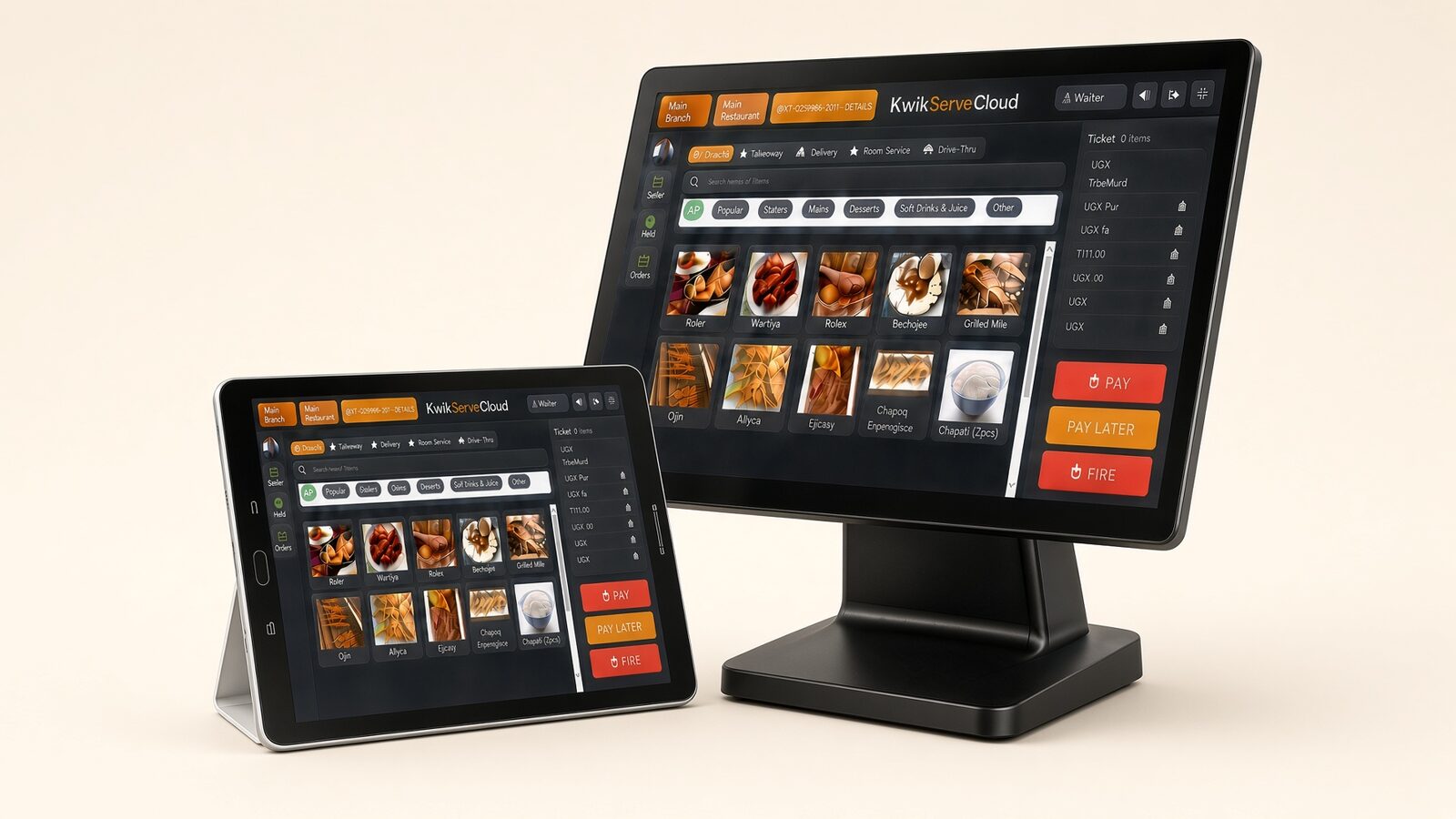
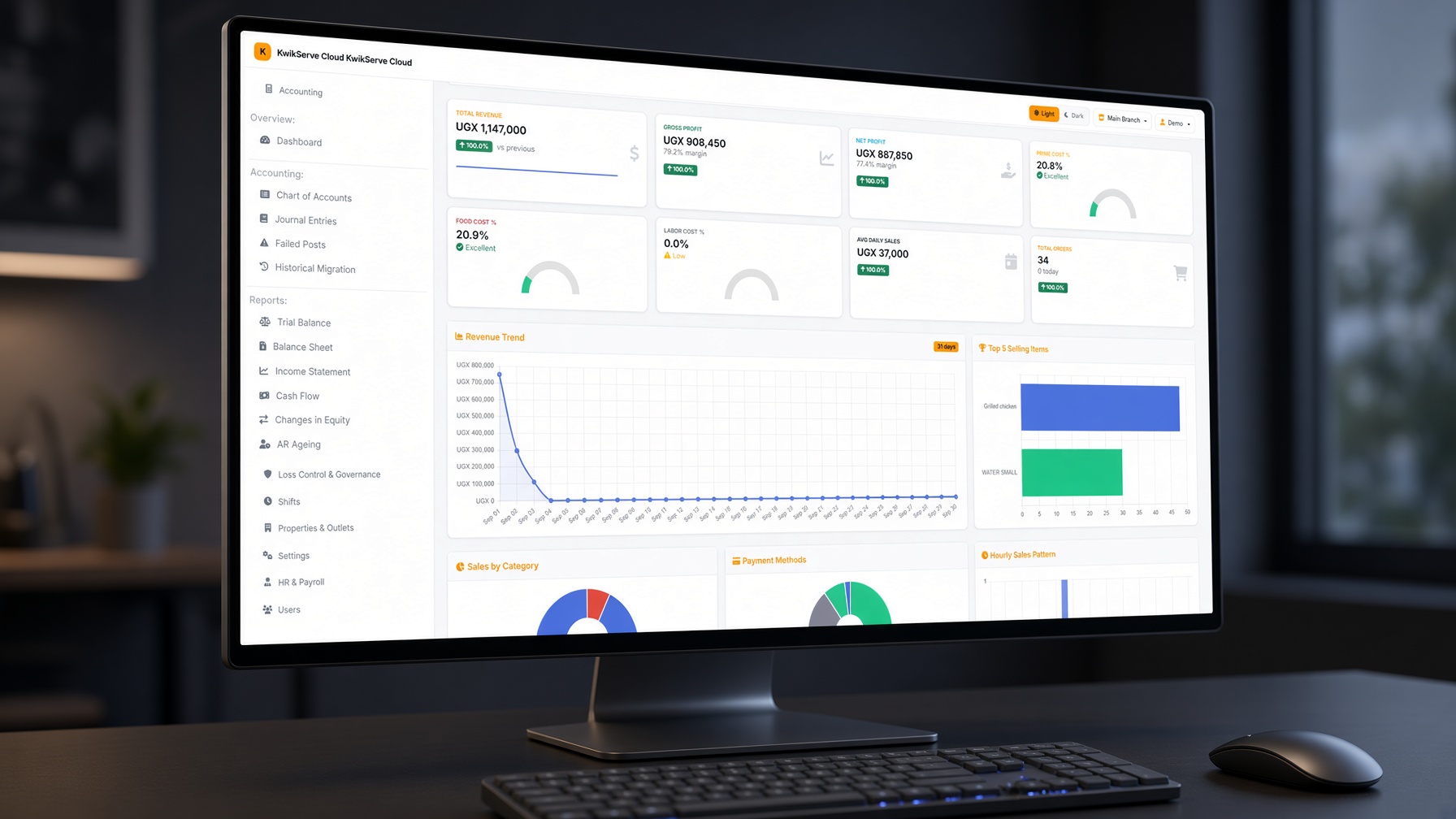
Property → Branch → Outlet · switch branch from the header. Menus, tables, stock, and POS sessions stay on the location you are working in.
1. Point of sale
Touch register at POS. Needs an active shift and an open cash drawer. Dine-in, takeaway, delivery, drive-thru. Hold/retrieve, seat-based ordering, split/merge bills, house accounts, cash / card / MoMo / bank. PIN login and manager override.
2. Kitchen display
Live tickets by station (grill, pastry, bar). Pending → preparing → ready. Kitchen printers with per-station routing. Fire from POS; recover a failed fire. Kitchen efficiency report.
3. Delivery & drive-thru
Zones and fees, driver assign or auto-assign, dispatch board, pay now or COD. Drive-thru takes car/stall number and ready time. Delivery SMS credits purchased on the platform.
4. Tables & floor
Sections, table capacity and status, visual floor designer used on the POS map. Table sessions so guests stay on one check while orders are added. Turnover report.
5. Menus
Multiple menus per outlet, scheduled availability, categories, modifiers, allergens. Menu engineering: stars, puzzles, plowhorses, dogs.
6. Inventory & recipes
Purchase packs vs issue units, counts, expiry, FIFO-style costing, production runs, theoretical vs actual food cost, waste log with manager approve.
7. Procurement
Requisition → PO → GRN → invoice → payment. Supplier directory, mobile receive, credit notes, ageing, last-cost lookup.
8. Customers
Directory on POS and back office. House-account charges and collections, customer ledger, AR ageing.
9. Shifts & drawers
Open, close, rotate, handover. Blind cash count — cashier does not see the expected amount. Variance needs a manager when it is large. Paid-outs on the drawer.
10. Expenses
Operating expenses separate from supplier payables. Categories, attachments, approve/post/void, recurring bills, vendor reports.
11. Accounting
GL that can auto-post from sales, stock, procurement, and expenses. Trial balance, P&L, balance sheet, cash flow, period lock so closed days cannot be edited.
12. Reports
X and Z, hourly peaks, waiter/cashier performance, food cost %, tax/VAT summary, voids, walk-outs. Most reports export to Excel and PDF.
13. Loss control
Waste and variance, approvals inbox, leakage analytics, audit logs, period lock, POS PIN and manager-override rules.
14. HR & payroll
People records, roster, clock in/out, leave, salary categories, PAYE / NSSF (and similar), periods, payslips.
15. Settings & access
Tax, payment methods, discounts, zones, receipt layout, kitchen printers, users, roles. Subscription renewal on the platform via Pesapal.